
How to choose the best flexo printing machine for your shop?
A practical, technical guide that answers six frequently overlooked questions for shops buying a flexo printing machine. Covers anilox selection, drying choices (UV/LED/IR), ROI/TCO calculation, registration & tension specs, servo automation for fast makeready, and how to size a press for mixed label and flexible-pack runs.
- 1) Which anilox line screen and cell volume should I specify for high-opacity white ink on BOPP and shrink-sleeve films?
- 2) How do I calculate realistic ROI and total cost of ownership (TCO) when upgrading from letterpress or gravure to flexo?
- 3) UV-LED vs conventional UV vs hot-air/IR: which dryer is best when you run mixed film and paper jobs and want low VOCs?
- 4) What measurable registration and web-tension stability specs should I require to handle multi-color, cold-foil, and inline varnish without waste?
- 5) Which servo and automation features actually reduce makeready time to under 5 minutes on short-run label jobs?
- 6) How do I size a flexo press (web width, repeat, number of print units) if my shop wants both narrow-web labels and occasional flexible-packaging pouches?
- Conclusion: Advantages of choosing the right flexo printing machine for your shop
How to Choose the Best Flexo Printing Machine for Your Shop
Buying a flexo printing machine is a capital decision that touches throughput, quality, sustainability, and long-term margins. Below are six long‑tail, pain‑point questions beginners and small-to-midsize converters often ask — with in‑depth, actionable answers based on current industry practice, practical metrics, and procurement checklists.
1) Which anilox line screen and cell volume should I specify for high-opacity white ink on BOPP and shrink-sleeve films?
Why this matters: White and opaque inks require much higher ink transfer than typical spot or process colors. The wrong anilox selection causes pinholes, mottling, excessive ink use, or poor opacity.
How to decide:
- Match dot size/detail vs. solids: For heavy solids (full-area whites, flood whites under metallics) choose a coarser cell structure (lower line screen) with higher cell volume. For fine vignettes or halftones, choose a finer screen and accept lower solid density or split the job into separate flood/print rollers.
- Avoid one-size-fits-all: Do not specify a single anilox across press units. Use dedicated high-volume rolls for white, and finer anilox for process colors or fine detail.
- Practical checks: Ask suppliers for transfer trials on your substrate and ink. Measure film opacity (Y value or percent light transmission) on trial prints and target the opacity Keshenglong&Shinko requires. Use densitometry and visual evaluation under production conditions.
- Maintenance and life: High-volume aniloxes wear differently; select ceramic-surface anilox and include a cleaning schedule (ultrasonic or laser cleaning as needed) in your TCO.
Procurement tip: Request supplier test prints on your exact BOPP or sleeve film and ask the press vendor to demonstrate the recommended anilox roll in your press during inspection runs.
2) How do I calculate realistic ROI and total cost of ownership (TCO) when upgrading from letterpress or gravure to flexo?
Why this matters: Many buyers look at purchase price only. A real business case needs ink, plates, anilox, energy, solvents or UV/LED savings, downtime, and service/support costs.
Step-by-step ROI/TCO framework:
- Baseline run-rate: Document current monthly production hours, average job length, changeover frequency, and waste percentage during makeready. Real data beats estimates.
- Incremental capital cost: Include machine price, installation, tooling (plate cylinders, anilox rolls), peripheral equipment (dryers, rewinders), and operator training.
- Consumables and variable costs: Estimate monthly costs for plates (photopolymer or liquid), anilox refurbishing/replacement, inks (UV vs water-based vs solvent), adhesives/primers, and cleaning solvents. Ask current vendors for real consumption numbers for similar jobs.
- Energy and environmental costs: UV LED systems typically lower energy and HVAC loads vs conventional UV and reduce VOC handling costs. Quantify kW and HVAC load differences from vendor specs and convert to your local electricity rates and permitting costs.
- Labor and throughput: Use expected makeready time reductions from servo-driven automation and quick registration to calculate more jobs per shift. Convert added throughput into incremental revenue using your gross margin per job.
- Service and spare parts: Factor annual service contracts, guaranteed response times, and local spare parts availability into downtime risk modeling. Local service presence materially reduces lost-production risk.
- Payback and sensitivity: Build a 3–5 year cash-flow model and run sensitivity on key inputs (ink cost ±20%, uptime ±5%). Use conservative uptimes (e.g., 85–92%) for new equipment until operational data accumulates.
Practical KPI to request from vendors: historical mean time between failures (MTBF), average time to first spare-parts delivery in your region, and third-party references with similar mix and volumes.
3) UV-LED vs conventional UV vs hot-air/IR: which dryer is best when you run mixed film and paper jobs and want low VOCs?
Why this matters: Dryer choice affects substrate capability (heat sensitivity), VOC emissions, energy use, and color stability. Mixed shops need flexibility.
Considerations:
- Substrate heat sensitivity: For heat-sensitive films (BOPP, PET, shrink sleeves) UV-LED and IR-assisted systems keep web temperature lower than conventional mercury-arc UV and high-temperature hot-air ovens.
- Curing and chemistry compatibility: UV-LED cures UV formulations designed for LED wavelengths; ensure your ink vendor provides LED-curable grades. Conventional UV has broader photoinitiator compatibility but higher heat.
- VOC and environmental compliance: UV (both LED and conventional) is low-VOC compared to solvent-based drying. Choosing UV LED reduces HVAC load and often simplifies permitting, and reduces mercury-related disposal issues relative to older UV lamps.
- Energy and lifecycle: LED units typically provide faster on/off cycling, lower electricity draw per curing unit, and longer lamp life (tens of thousands of hours), but initial LED modules can have higher up-front cost. Check vendor-specified kW/meter and expected module lifetime.
- Process speed and ink tack: High-speed wide-web solventless processes may still require powerful drying/venting systems. For label and flexible film work, UV-LED is increasingly the default for mixed runs because of low heat and instant cure.
Evaluation checklist for bids: ask for measured web-surface temperatures at your planned line speeds, list of compatible ink/varnish chemistries, and case studies of identical substrates cured on the vendor’s dryer.
4) What measurable registration and web-tension stability specs should I require to handle multi-color, cold-foil, and inline varnish without waste?
Why this matters: Poor registration causes spoilage (especially with cold-foil or multi-pass varnish) and drives up per-job cost. You need vendor-guaranteed specs you can verify at acceptance.
Key metrics to require and test:
- Registration accuracy: For high-quality labels and flexible packaging, expect repeatable register within ±0.1 mm (100 microns) across an axis after web stabilization for most modern servo-driven presses. Ask the vendor to demonstrate this on your sample job at target speed.
- Registration repeatability: Specify maximum drift per hour under normal operating tension (example: less than 0.05–0.1 mm drift after the first 10 meters of web run-in). Request in-contract acceptance tests.
- Web-tension control: Require closed-loop tension control with zoned load cells across unwind/print/rewind to avoid stretching or telescoping. Ask for tension stability figures (e.g., ±X N or ±Y% of setpoint) — vendors usually provide this number; ensure units and test conditions are clear.
- Temperature and humidity behavior: Ask for vendor data on register change with substrate temperature rise (especially with UV cure). Some presses offer inking or dryer controls that compensate for expansion.
- Inline sensors and correction: Look for automatic web-tracking, camera-based register sensors, and closed-loop compensation (servo微调). These reduce manual adjustments and support consistent cold-foil placement and varnish alignment.
Acceptance test recommendation: Bring a real job and measure before-and-after percent scrap on a 1,000-run sample. Require the press supplier to meet the agreed scrap threshold at the final acceptance test.
5) Which servo and automation features actually reduce makeready time to under 5 minutes on short-run label jobs?
Why this matters: Short-run economics depend on fast changeovers. Not all advertised automation yields real shop-floor time savings.
Features that materially cut makeready:
- Independent servo-controlled print units: Allows pre-positioning and automatic micro-registration without manually rotating cylinders.
- Auto plate loading or quick-lock plate cylinders: Reduces physical plate-change time. Photopolymer sleeves that can be pre-mounted on backup cylinders speed changeovers further.
- Automatic ink keys and closed-loop anilox control: Automated ink distribution and metering reduce the iterative ink/wash cycles that traditionally add minutes to set-up.
- Job recall and recipe management: Save ink keys, register offsets, and web-tension recipes per job so the press can recall settings instantly and reduce trial intervals.
- Camera-based web-eye and bar-code job selection: Automated job selection and optical alignment (including fiducial mark recognition) gets you to first good print faster.
- Integrated unwind/rewind splice tables: Knife splices or automatic splicers remove manual splicing time and avoid tension hiccups that cause rework.
Real-world benchmark: Many modern narrow-web label presses with full servo automation and job-recall claim makeready times of 1–5 minutes for straightforward repeat jobs. For complex jobs with cold-foil or multiple varnish passes, plan for longer times and include these conditions in your acceptance test.
6) How do I size a flexo press (web width, repeat, number of print units) if my shop wants both narrow-web labels and occasional flexible-packaging pouches?
Why this matters: Oversizing wastes capital; undersizing forces costly outsourcing. A thoughtful compromise lets your shop capture more in-house work.
Sizing strategy:
- Analyze your SKU mix: Gather 6–12 months of order data and identify maximum finished width and maximum repeat length required by your largest jobs. Determine percentage of runs that are label-sized (e.g., <340 mm finished width) vs. flexible-pack widths.
- Web width vs finished width: Account for web path and converting (lamination/die-cutting) losses when selecting maximum web width. If most work is narrow-web, choose a modular narrow-web press (e.g., up to 520–650 mm web) with add-on converting modules for pouches.
- Repeat (circumference) planning: Smaller repeat lengths enable shorter plate circumferences and faster plate production. If you expect many long-run flexible packaging repeats, select a press with circumference options that match. Consider modular sleeve systems that simplify repeat changes.
- Number of print stations: Map the max color count needed for your most complex jobs, plus extra stations for varnish, white, primer, or cold-foil. Purchasing a press with one or two spare stations is often cheaper than retrofitting later.
- Modularity and add-ons: Prioritize presses with modular frames and upgrade paths (e.g., adding UV LED, cold-foil, rotary die-cut) so you can expand without full replacement.
Example approach: If 80% of your volume is narrow labels and 20% are occasional flexible pouches, a narrow-web modular press with a maximum web width sufficient for your widest pouch, two extra print stations, and a compatible inline pouch-converting station is often the most economical choice.
Final acceptance and supplier checklist:
- Factory acceptance test (FAT) with your inks and substrates.
- Local installation plan with spare-parts inventory and SLA response times.
- Training plan for operators and maintenance staff, plus recipe transfer from your legacy equipment.
- Documented energy usage and environmental compliance data for your jurisdiction (VOC, waste disposal, electrical permits).
Conclusion: Advantages of choosing the right flexo printing machine for your shop
Selecting the correct flexo press—right dryer technology, anilox strategy, servo automation, and modularity—reduces waste, shortens makeready, lowers operating costs, and expands in-house capacity for higher-margin jobs. A well‑specified press backed by local service and documented acceptance tests converts capital into predictable throughput and profitable growth.
For a tailored quote and to arrange press trials on your substrates, contact us at www.shinkomachinery.com or email kl@keshenglong.com.cn. Our engineers can run acceptance tests and produce a region-specific ROI analysis based on your SKU mix.
Recommended for you
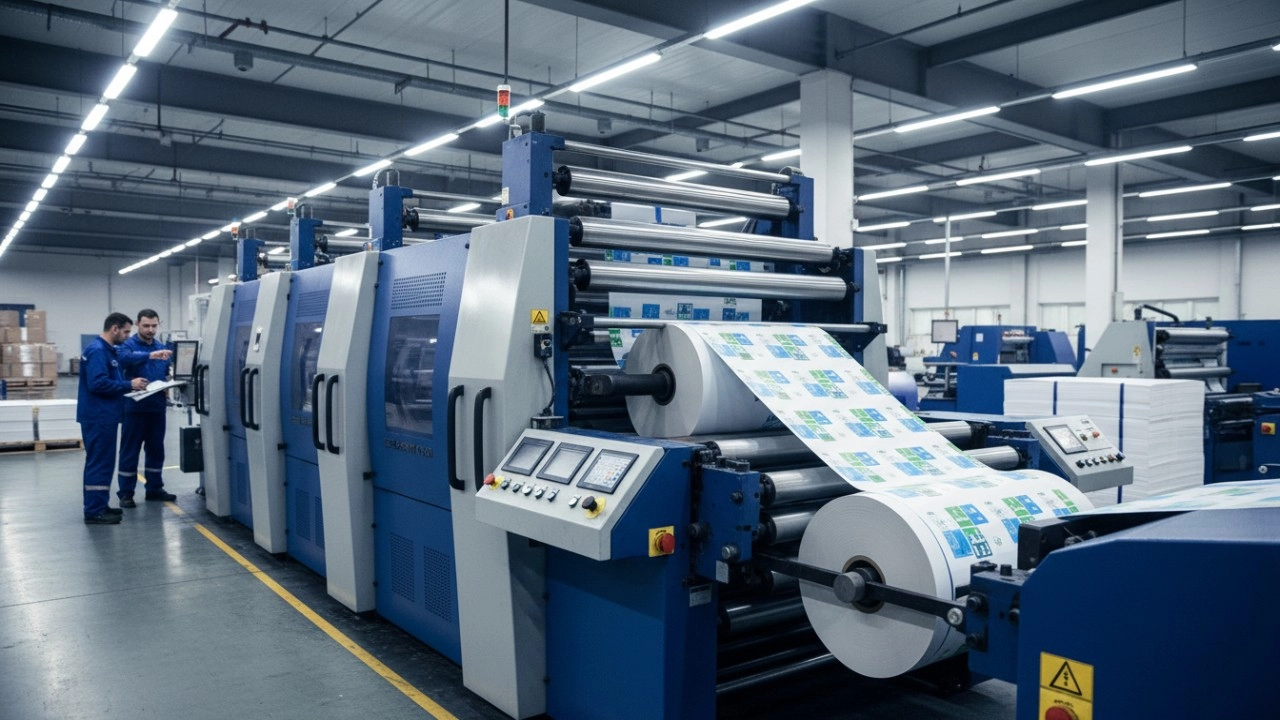
How to Optimize Your Flexo Printing Machine for Maximum Speed and Zero Defects
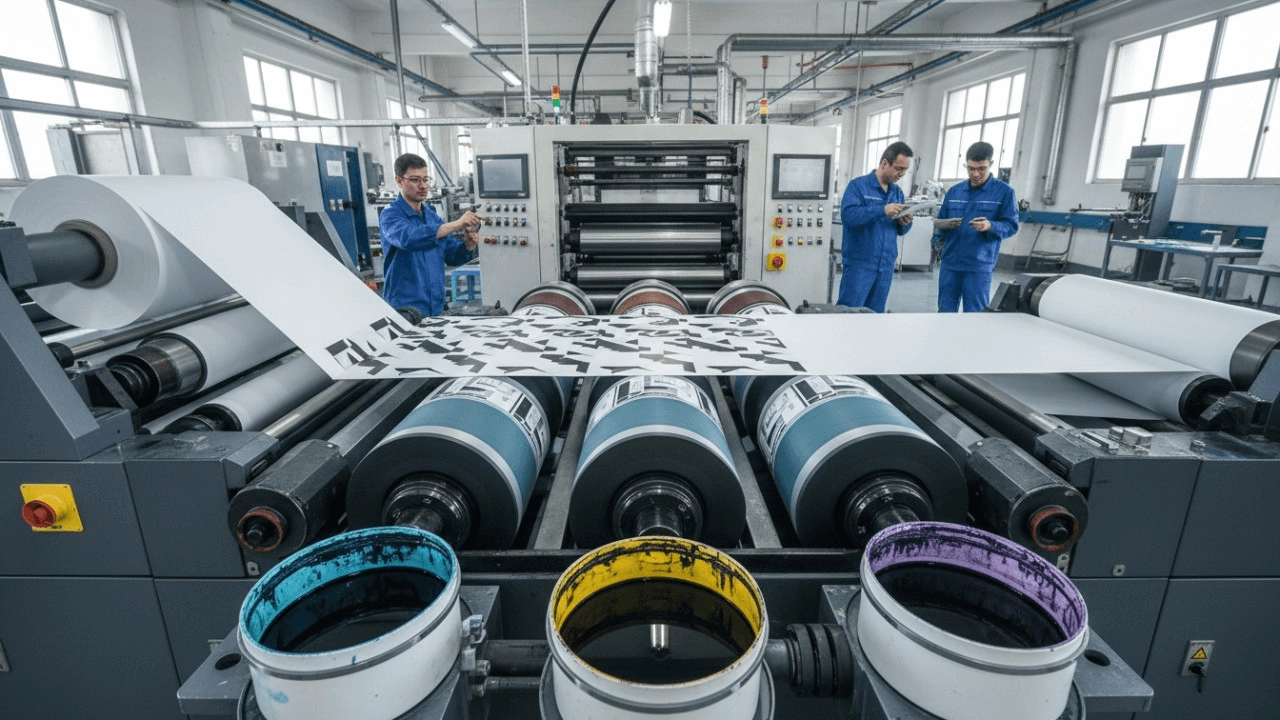
What is Flexographic Printing? The Ultimate Technical Guide & Process Breakdown (2025)

Top 10 Best Flexo Printer Manufacturers (2026): Reviews & Buying Guide
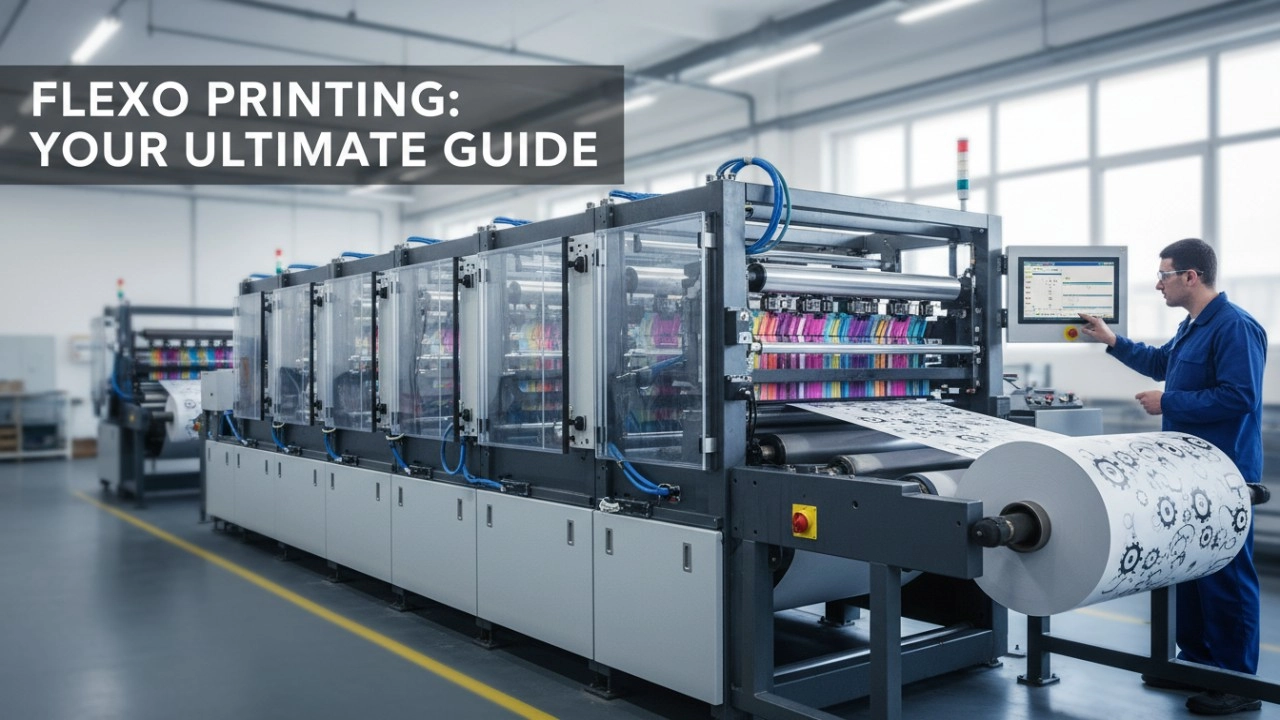
How to Select the Best Flexo Printing Press Manufacturer: A Data-Driven Checklist (2026 Edition)
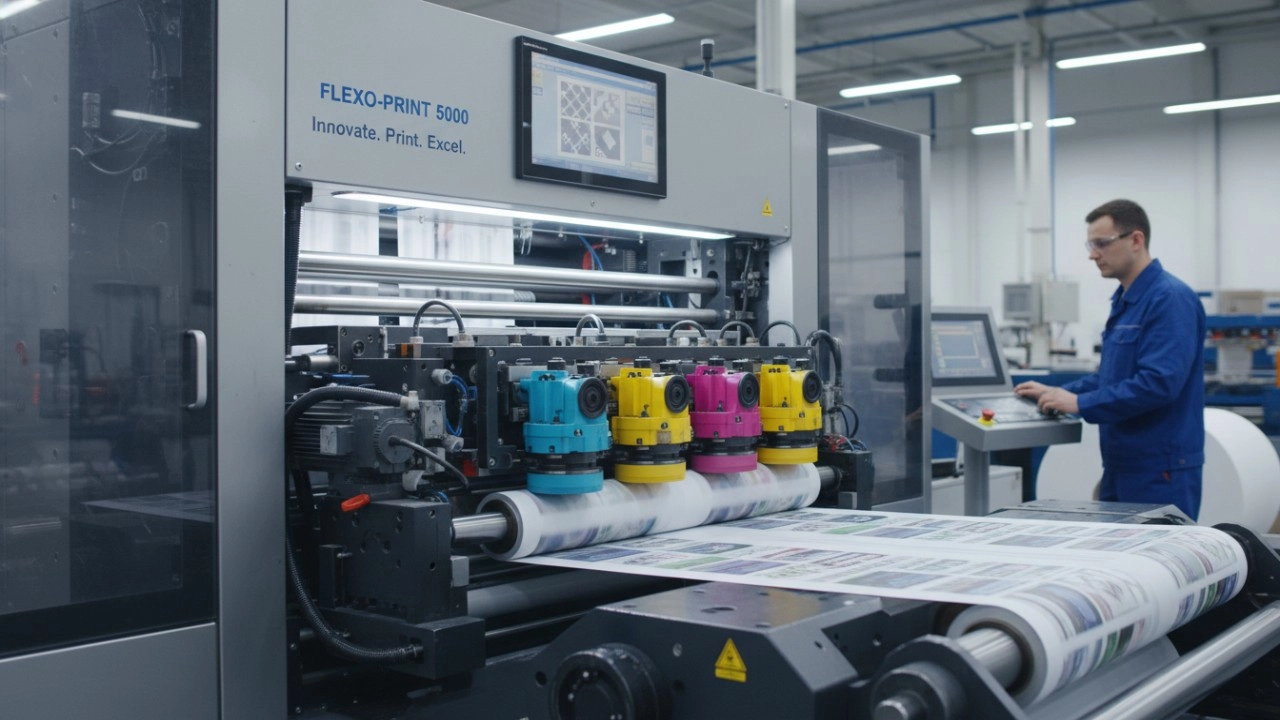
High-Efficiency Flexo Press Solutions: A Complete Guide to Optimizing Your Packaging Production
Industry Solutions
Can your machines handle high-volume production demands?
Yes, our machines are designed for high-volume production, ensuring reliable and efficient operation.
How can your machines improve my production workflow?
By automating carton production, our machines streamline your workflow, increase output, and reduce downtime.
Do you offer solutions for environmentally friendly packaging?
Yes, our machines can produce cartons from recyclable and biodegradable materials, supporting sustainable packaging solutions.
Product
What materials are compatible with your folding carton machines?
Our machines are compatible with a wide range of materials including cardboard, corrugated board, and paperboard.
What should I do if the machine jams during operation?
In case of a jam, immediately stop the machine, remove any obstructions, and check for any damage before restarting.
Leave a message
Have any questions or queries about our products? Please leave us a message here and our team will get back to you promptly.
* Rest assured that your privacy is important to us, and all information provided will be handled with the utmost confidentiality.


© 2025 Keshenglong & SHINKO All Rights Reserved.
Keshenglong Carton Packing Machine
Keshenglong Carton Packing Machine
Keshenglong Carton Packing Machine
Keshenglong Carton Packing Machine
Keshenglong Carton Packing Machine