
What are common defects in flexo printing machines and fixes?
This article addresses common defects in flexo printing machines and provides solutions to enhance print quality and efficiency.
- 1. What Causes Gear Marks in Flexo Printing?
- 2. How Can Dot Gain Be Minimized?
- 3. What Causes Misregistration in Flexo Printing?
- 4. How to Prevent Ink Smearing and Smudging?
- 5. What Causes Pinholing in Flexo Printing?
- 6. How to Address Ink Foaming in Flexo Printing?
- 7. What Causes Mottled Images in Flexo Printing?
- 8. How to Prevent Dirty Prints in Flexo Printing?
1. What Causes Gear Marks in Flexo Printing?
Analysis:
Gear marks, also known as banding, appear as alternating light and dark lines perpendicular to the web direction. They typically result from mechanical issues such as misaligned or damaged gears, incorrect pressure settings, or inadequate lubrication. Worn gears can cause vibrations, leading to these marks.
Solution:
Regular maintenance is crucial to prevent gear marks. This includes inspecting and replacing worn gears, ensuring proper alignment, and maintaining adequate lubrication. Implementing helical gears instead of straight-cut ones can also improve performance and reduce vibrations.
2. How Can Dot Gain Be Minimized?
Analysis:
Dot gain occurs when halftone dots spread more than intended, causing images to appear darker and less sharp. Common causes include excessive pressure between the substrate and printing plate, incorrect ink viscosity, and dirty printing forms.
Solution:
To minimize dot gain, ensure proper pressure settings, use inks with appropriate viscosity, and maintain clean printing forms. Regular calibration of the anilox roll to deliver the correct amount of ink is also essential.
3. What Causes Misregistration in Flexo Printing?
Analysis:
Misregistration occurs when different colors do not align correctly, leading to blurred or double images. This defect can result from improper plate orientation, inconsistent printing speed, or mechanical issues such as misaligned rollers.
Solution:
Ensuring proper alignment of the printing form using registration marks, maintaining uniform tension, speed, and print throughout, and regularly checking and calibrating the press can help prevent misregistration.
4. How to Prevent Ink Smearing and Smudging?
Analysis:
Ink smearing and smudging result in blurred or smudged areas on the print, impacting quality. Causes include insufficient ink drying, excessive ink film thickness, and poor drying systems.
Solution:
To prevent ink smearing, increase drying temperature or airflow, reduce ink volume, and use faster drying ink or add drying agents.
5. What Causes Pinholing in Flexo Printing?
Analysis:
Pinholing is characterized by small, unprinted dots within solid ink areas. It can result from low substrate surface tension, ink viscosity issues, or dirty anilox rollers and plates.
Solution:
Treating the substrate surface (e.g., corona treatment), reducing ink viscosity, and cleaning the anilox roller and plate can help prevent pinholing.
6. How to Address Ink Foaming in Flexo Printing?
Analysis:
Ink foaming, or the presence of tiny bubbles in the ink film, can be caused by excessive agitation during ink mixing, improper defoaming, or pump cavitation.
Solution:
Adding defoamer, using low-shear mixing, and adjusting pump pressure can help reduce ink foaming.
7. What Causes Mottled Images in Flexo Printing?
Analysis:
Mottled images, resembling an orange peel effect, result from variations in substrate surface or ink-drying process, leading to blotchy or uneven color distribution.
Solution:
Ensuring uniform substrate quality by inspecting it before printing and adjusting drying settings to achieve even drying can improve print uniformity.
8. How to Prevent Dirty Prints in Flexo Printing?
Analysis:
Dirty prints, characterized by unwanted marks or stains, often result from contamination or a dirty anilox roll.
Solution:
Regular cleaning and maintenance are crucial to avoiding this defect. Maintain a clean printing environment and use appropriate cleaning solutions and tools to keep the anilox roll and other components free from contaminants.
Conclusion:
Addressing common flexo printing defects requires a systematic approach, including identifying the issue, isolating causes, methodically adjusting processes, verifying results, and preventing recurrence through maintenance and best practices.
Keshenglong & Shinko Advantages:
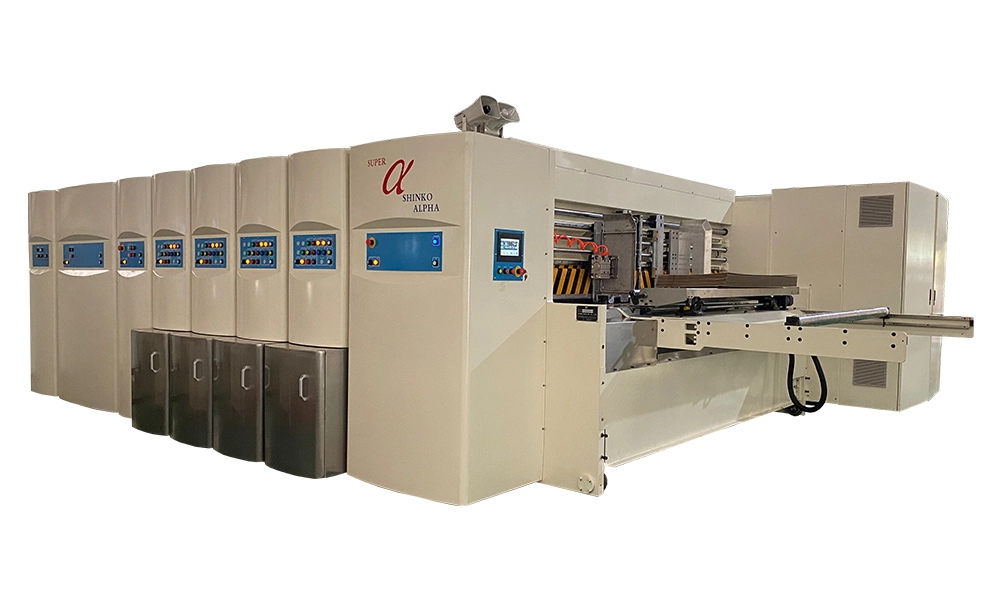
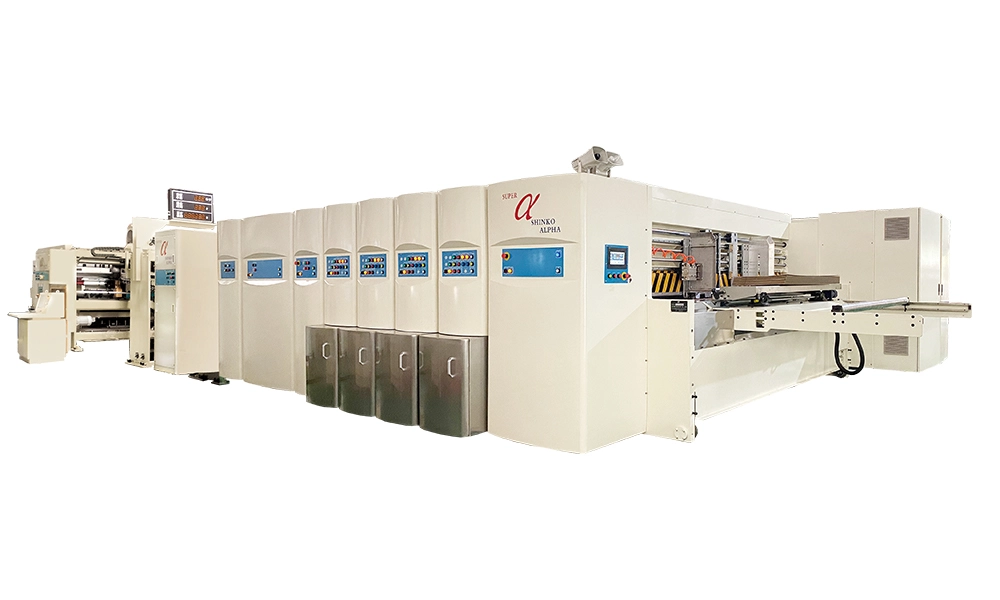
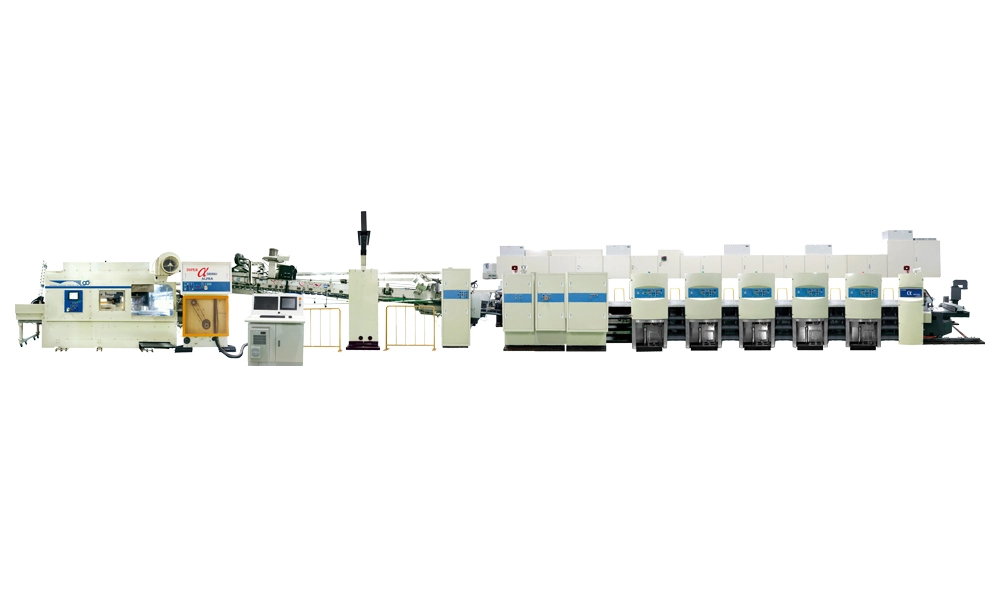
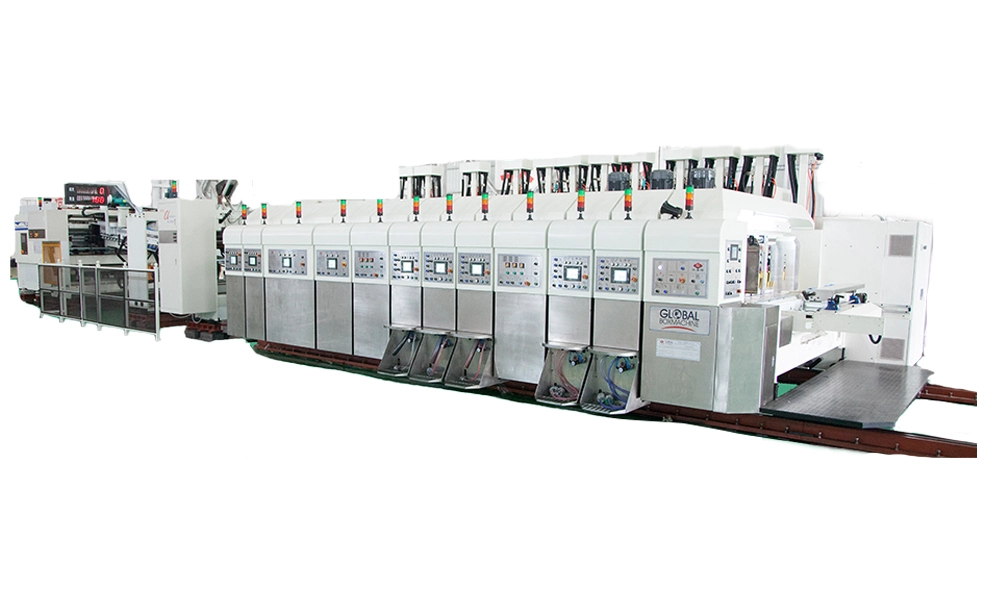
Keshenglong and Shinko offer advanced flexo printing machines designed to minimize common defects. Their equipment features precise pressure control, efficient drying systems, and easy maintenance protocols, ensuring high-quality prints and reduced downtime.
References:
HENGHAO Machinery — July 30, 2025 — 12 Common Flexo Printing Defects & Solutions | Troubleshooting Guide.
KETE GROUP LIMITED & KETE MACHINE — August 2, 2024 — The Flexo Printer’s Handbook: Diagnosing and Repairing Printing Defects.
Tamarack® Products Inc — Date not specified — Common Flexo Printing Defects.
Instituto de Impressão — Date not specified — Troubleshooting Flexografia.
MTED — Date not specified — How To Troubleshoot And Fix Common Flexo Printing Defects Effectively?
Oyang Group — Date not specified — Flexographic Printing Defects: Identification, Causes, and Optimization.
Luminite — May 18, 2023 — Flexo Printing Defects by Category.
All Printing Resources — Date not specified — Understanding Common Flexo Print Defects – Part 3.
Common Defects in Flexo Printing Machines and Their Solutions
Learn about common defects in flexo printing machines and effective solutions to enhance print quality and efficiency.
flexo printing defects, gear marks, dot gain, misregistration, ink smearing, pinholing, ink foaming, mottled images, dirty prints, flexo printing solutions
common-defects-in-flexo-printing-machines-and-their-solutions
Recommended for you
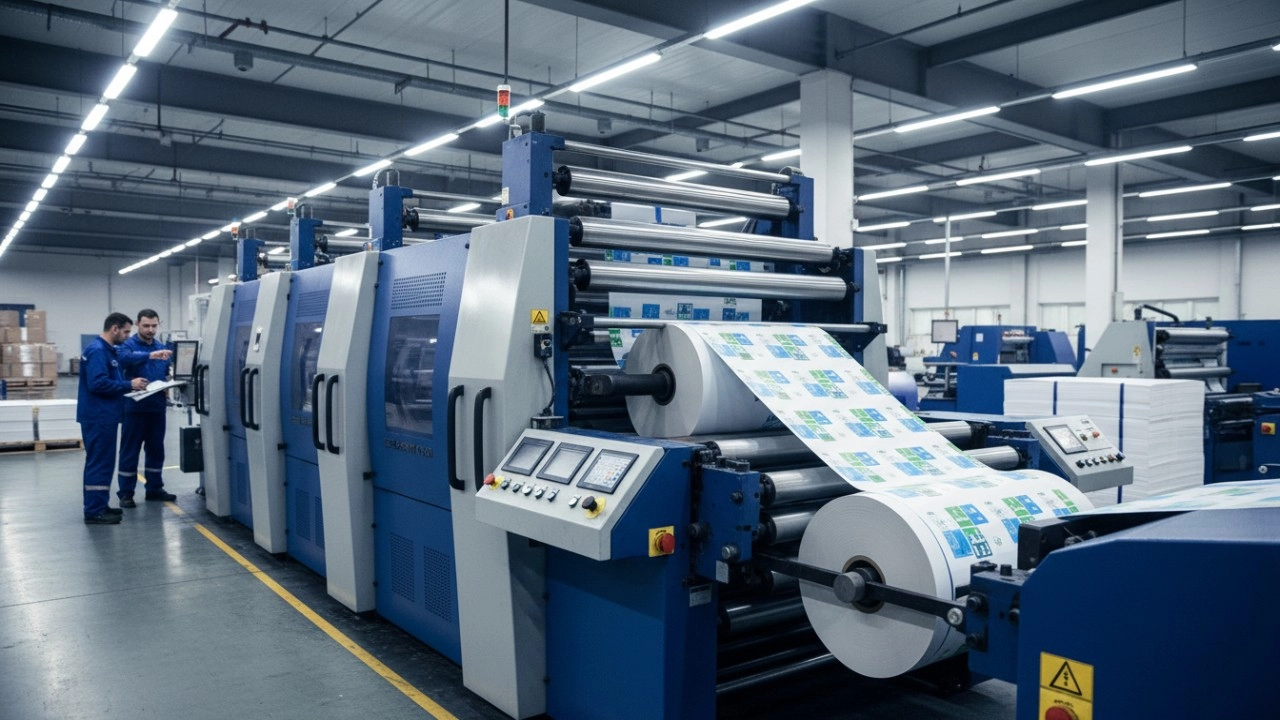
How to Optimize Your Flexo Printing Machine for Maximum Speed and Zero Defects
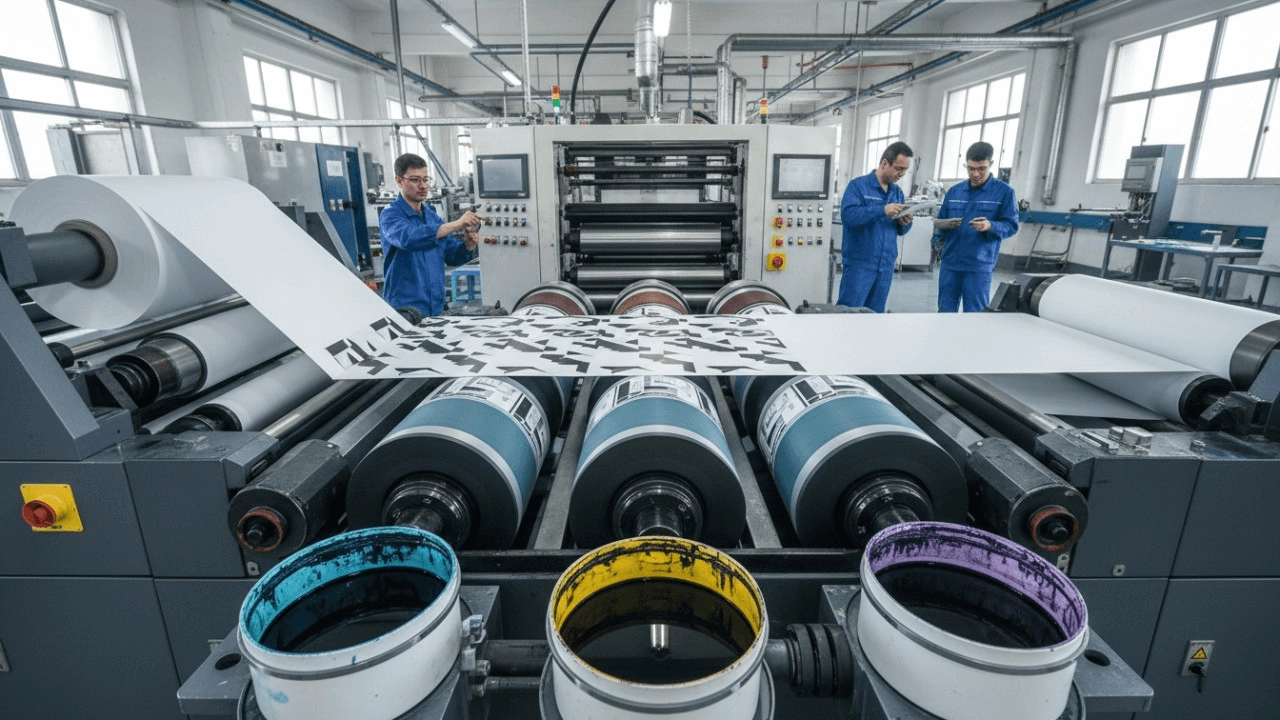
What is Flexographic Printing? The Ultimate Technical Guide & Process Breakdown (2025)

Top 10 Best Flexo Printer Manufacturers (2026): Reviews & Buying Guide
How to Select the Best Flexo Printing Press Manufacturer: A Data-Driven Checklist (2026 Edition)
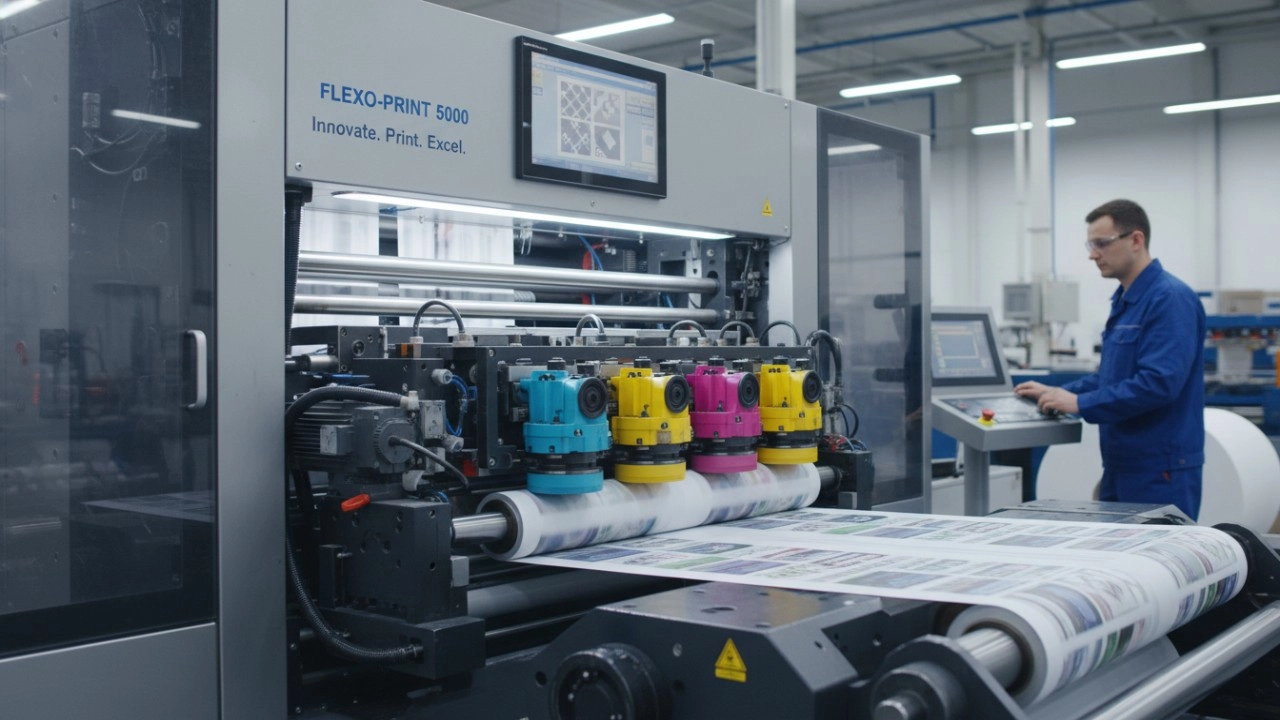
High-Efficiency Flexo Press Solutions: A Complete Guide to Optimizing Your Packaging Production
Product
What is the maximum speed of your folding carton machines?
Our machines can operate at speeds of up to 150 cartons per minute, depending on the model and carton complexity.
How can I integrate your machines into my existing production line?
Our technical team can assist with integrating our machines into your current production setup, ensuring a seamless operation.
How do I adjust the machine settings for different carton sizes?
Machine settings can be adjusted using the intuitive control panel, which allows for quick changes to accommodate different carton sizes.
Industry Solutions
How do your machines comply with industry standards and regulations?
Our machines are manufactured to meet or exceed industry standards and regulations, ensuring safe and compliant operation.
Shipping
What are the shipping dimensions and weight of your folding carton machines?
Shipping dimensions and weight vary by model; please refer to the specific product details for accurate information.
Leave a message
Have any questions or queries about our products? Please leave us a message here and our team will get back to you promptly.
* Rest assured that your privacy is important to us, and all information provided will be handled with the utmost confidentiality.


© 2025 Keshenglong & SHINKO All Rights Reserved.
Keshenglong Carton Packing Machine
Keshenglong Carton Packing Machine
Keshenglong Carton Packing Machine
Keshenglong Carton Packing Machine
Keshenglong Carton Packing Machine